Product Description
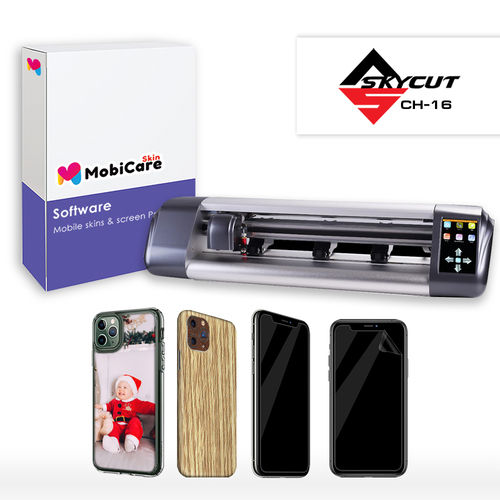
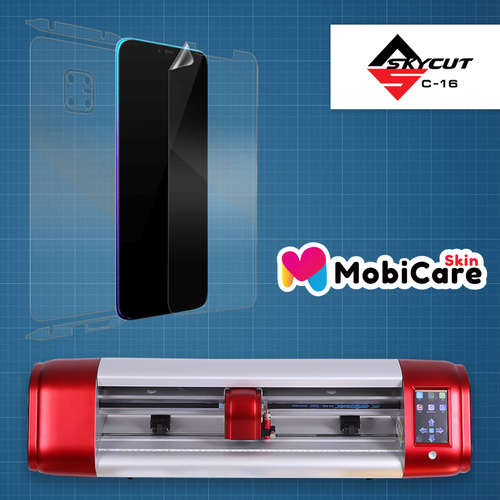
Discover the transcendent capabilities of the Mobicare Mobile Skin Software with Skycut CH16-a top-notch solution for professional mobile skin creation. Highly recommended for designers, it offers precision plotter cutting technology and broad compatibility with major operating systems and Skycut CH16 plotters. Boasting the latest 2024 version, it supports SVG, DXF, PNG, and JPG formats, ensuring flexible design options. This affordable software is packed with majestic features like user authentication, automatic updates, and both perpetual and subscription licenses. Grab yours now to elevate your mobile customizing business!
Distinctive Features and Application Versatility
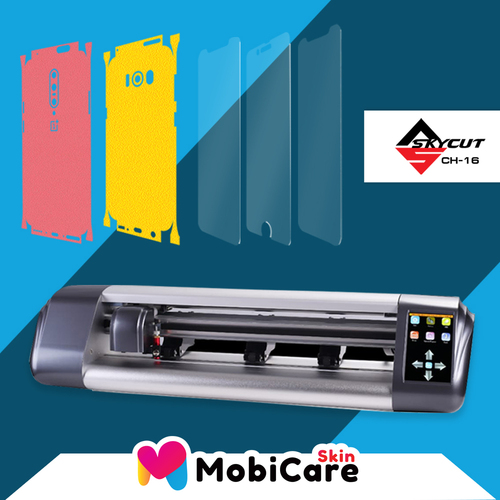
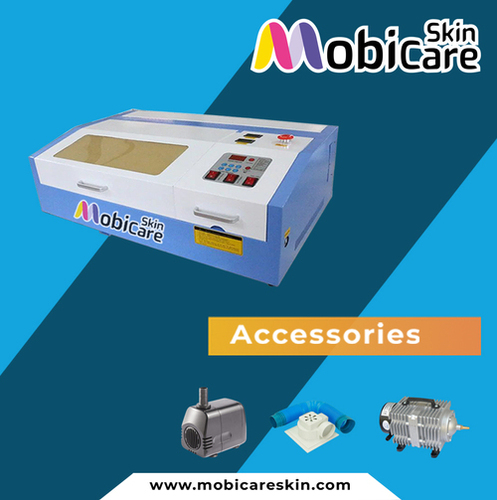
Mobicare Mobile Skin Software with Skycut CH16 is engineered for superior skin designing and cutting. Its powerful Skycut CH16 compatibility guarantees precise, swift, and efficient operations. Key special features include secure user authentication, USB dongle, wireless interface, and automatic online updates. Designed for both single and multi-user environments, it excels on surfaces like mobile screens, backs, and cases. The package includes all vital accessories for a seamless setup and immediate productivity across various mobile devices.
Streamlined Payment and Export Solutions
Stock ready for fast dispatch, Mobicare Mobile Skin Software with Skycut CH16 ensures order completion and quick valuation for diverse business needs. Accepted payment terms include advance payment, TT, and LC, suiting various buyer preferences. Main export markets comprise Asia, the Middle East, Africa, and Europe. With FOB port facilities from India, customers benefit from efficient logistics. For exporters and importers, this package offers a reliable, cost-effective solution tailored for international trade demands.
FAQ's of Mobicare Mobile Skin software with Skycut CH16:
Q: How is Mobicare Mobile Skin Software with Skycut CH16 installed and set up?
A: Installation is straightforward: connect the Skycut CH16 plotter to your computer via USB or Wi-Fi, insert the USB dongle, and follow the included manual. The user-friendly installer works with Windows 10/11 or MacOS 10.14 and newer.
Q: What types of files are supported for designing mobile skins?
A: The software accepts SVG, DXF, PNG, and JPG formats, offering flexibility for both professional designers and beginners to create or import custom designs.
Q: When will I receive technical support if I encounter an issue?
A: Technical support is available online and through a customer helpline. Remote assistance ensures prompt help during business hours, enhancing your workflow efficiency.
Q: Where can the Mobicare Software be used and on which devices?
A: It can be used in professional studios, workshops, or retail stores for mobile skin designing. Compatible with both Windows and MacOS computers meeting the basic system requirements.
Q: What are the benefits of the automatic online update feature?
A: Automatic online updates ensure your software stays current with the latest enhancements, new design templates, and security improvements without manual intervention.
Q: How secure is the Mobicare Skin Software?
A: Security is prioritized with features like user authentication and license key protection, ensuring only authorized users access the software.





 Send Inquiry


