Product Description
TheMobile Skins are made of highquality vinyl that is durable
Theseskins are thin flexible strong waterresistant and repositionable
We ensure that there are no residues on the device when it isremoved
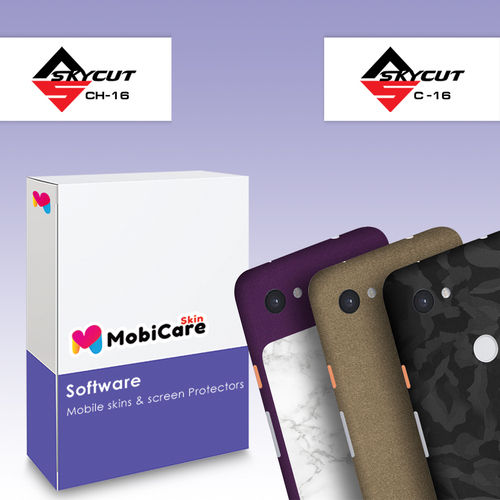
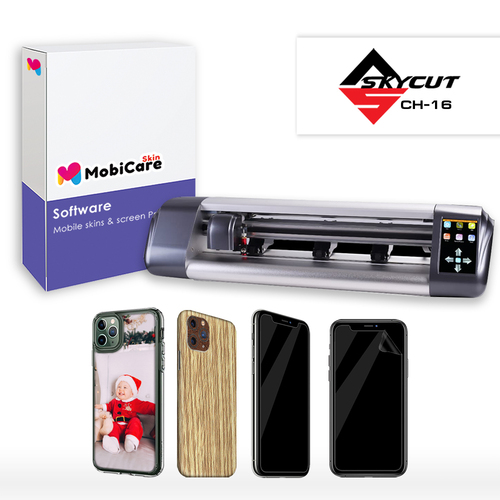
Skins are customcut using cutting equipment and MobiCaresoftware developed for mobile phones and other device models acrossall leading brands
These are printed on high-quality vinyllaminated and cut according to the exact contours of the device
Allbuttons and controls are left clear so there is no interference withphone operating functionality
9HProtection
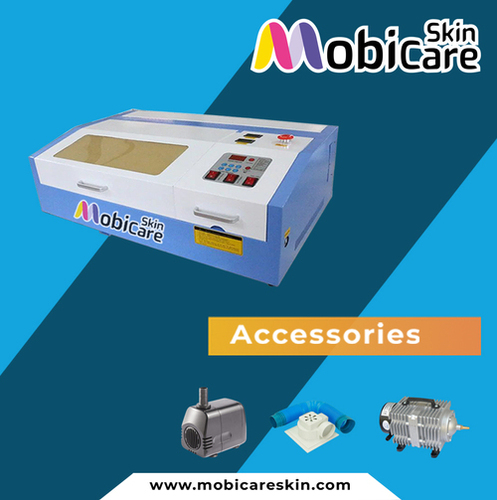
Mobicaresoftware support Laser machine with M2 Nano Controller board
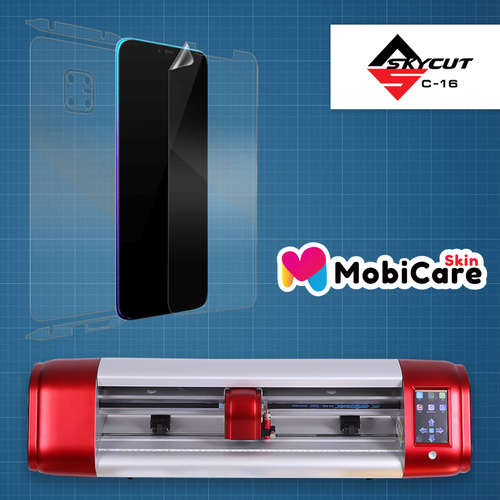
Software covered cut templates for 9H anti explosion protection film
With huge range of mobile models
we can cut screen protection ondemand and save money from dead stock
With small investment and lowinventory, can start 9H protection business and earn huge profit
WhySkins is preferable
OurSkins made from highquality vinyl and no residuals on the deviceafter removal
It is easy to change skins anytime at a low cost
Do not need to change Mobile Back cover or Mobile Case
Benefitsof Associating with us
1 Thebiggest USP of MobiCare skins is personalization of mobile skin ataffordable cost than at which non-customized and lower quality skinsare available
2 Withour advanced technology setup in place for franchisees to make anddeliver customers personalized Mobile skins on the spot
3 Modelbankof more than 10000 templates in 38 Mobile Brands which would beconstantly updated with newer and wider range of mobiles
4 Allraw materials imported centrally at bulk competitive prices andredistributed to all locations
5Ongoingsupport for brand building and driving customer awareness and trialsthrough marketing and promotional activities both online as well ason the groundTechnologySupport
Wewill provide you software hardware and accessories which arerequired to run the business in organized manners
Setup Support
Wewill provide you assistance in all aspects of initial setup sitelocation installations operator training etc
TrainingModule
Wewill provide franchises with indepth training support and materialwhich will cover quality product training handling of equipmentcustomer service standards and anything else required to successfullyrun the business
Supply and Sourcing
Wewill support in terms of all sourcing including all equipment andsetup raw material goods such as vinyl and lamination films
Wealready have dedicated vendors with bulk material to ensure efficientand costeffective sourcing and timely and uninterrupted supplies
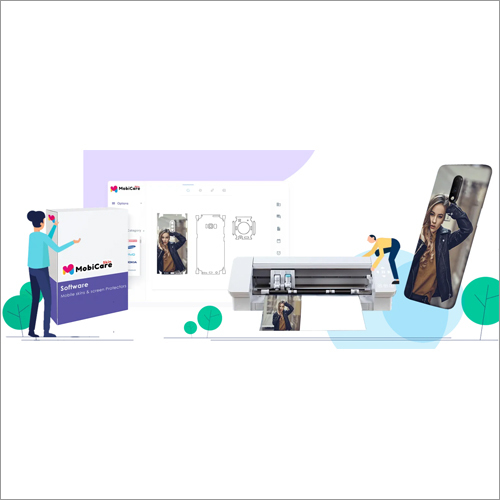
Design Flexible Mobile Skins EasilyLeverage both ready-made templates and full customization options to craft unique mobile skins tailored to customer preferences. The intuitive, modern interface supports both touchscreen and mouse input, allowing fast and creative workflow for beginners and professionals alike.
Seamless Integration and Export CapabilitiesMobicare integrates smoothly with various plotter and printer devices and supports high-precision vector cutting, ensuring perfect output quality. Export your designs in multiple formats to match a range of printing and manufacturing requirements.
Reliable Support and Regular UpdatesBenefit from regular software updates, an online support system, and a detailed user manual. Licensing management and authentication ensure secure operation, while lifetime licensing with renewal options secures long-term productivity.
FAQs of Mobicare Custom Mobile Skin Software:
Q: How do I install Mobicare Custom Mobile Skin Software after purchase?
A: After purchasing Mobicare, you will receive a digital download link. Simply download the installer, follow the step-by-step installation instructions for Windows 10/11 or macOS, and authenticate using your license credentials.
Q: What design file formats does Mobicare support, and can I export my work in multiple formats?
A: Mobicare supports PNG, JPG, and SVG file imports for flexible design creation. You can export your final designs in multiple formats, making them compatible with a wide variety of plotter and printer devices.
Q: When are software updates released, and how can I access them?
A: Regular software updates are provided to ensure compatibility with the latest devices and improve user experience. Updates can be accessed directly within the software or via the official website.
Q: Where can I get help if I encounter issues using the software?
A: Comprehensive help is available through the online support system, detailed user manual, and an accessible FAQ section within the application. You can also reach customer support for direct assistance.
Q: What is the process for customizing a mobile skin using Mobicare?
A: Begin by selecting a ready-made template or starting from scratch. Import or create your graphics, adjust the design using the intuitive interface, and preview your work before exporting for high-precision vector cutting on compatible devices.
Q: Who can benefit most from using this software?
A: Mobicare is ideal for exporters, importers, manufacturers, suppliers, and traders looking to streamline and upscale their mobile skin customization and production capabilities, particularly in the Indian market.
Q: How many users can access Mobicare simultaneously and is it secure for team use?
A: The software supports up to 50 concurrent users, with robust security through license management and user authentication, making it suitable for collaborative and multi-user business environments.





 Send Inquiry


